
In order for an employee to log into their Employee Self Service Portal, they will need a Bright ID.
-
Go to https://id.brightsg.com/login
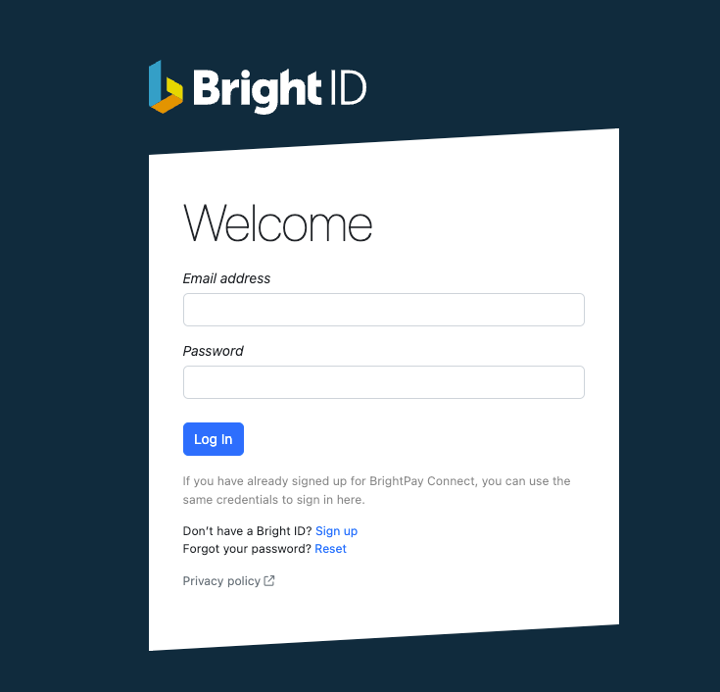
- Click ‘Sign up’ to create your Bright ID
-
Enter your full name, company name and region. Click ‘Next’
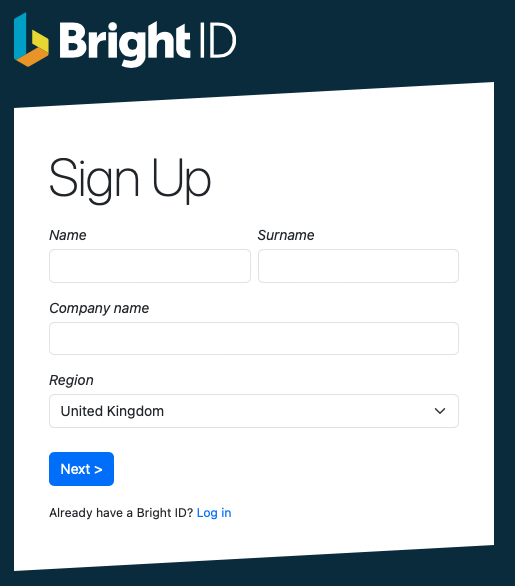
-
On the next screen enter your email address and create your password.
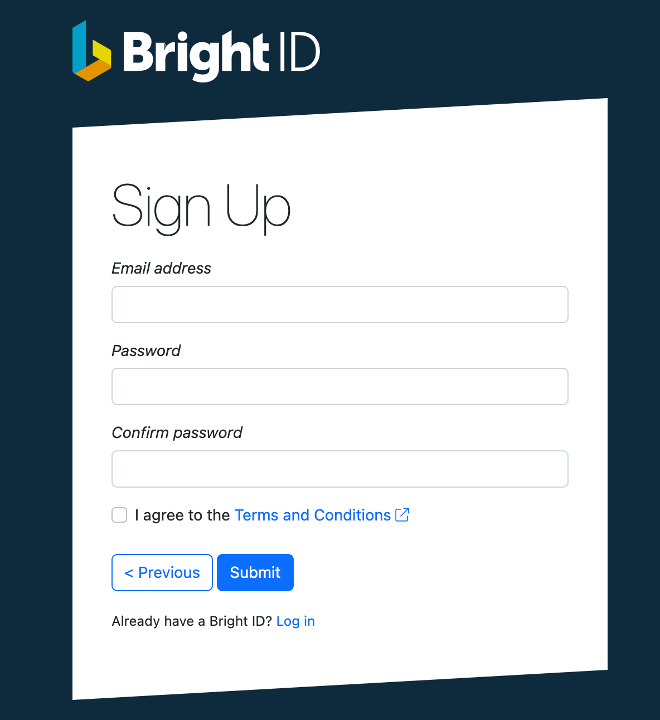
- Once you have read and agreed to the Terms and Conditions, click Submit. There is also an option at this point to go back if you’ve made any mistakes.
-
Once these steps are complete you will receive an email with a 6 digit verification code where you will need to confirm your account. If you can’t locate your confirmation email, try checking your spam folder.
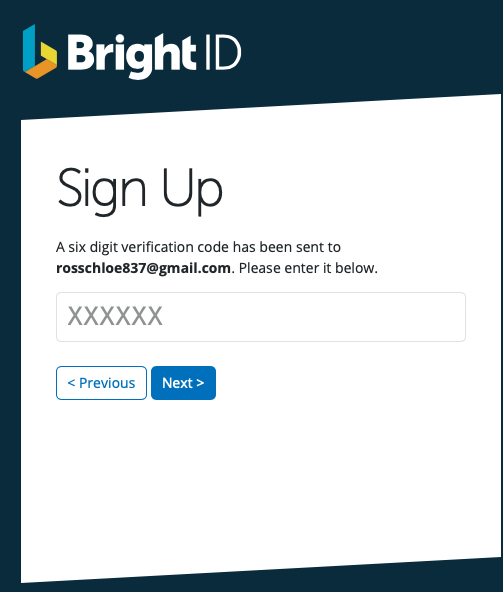
-
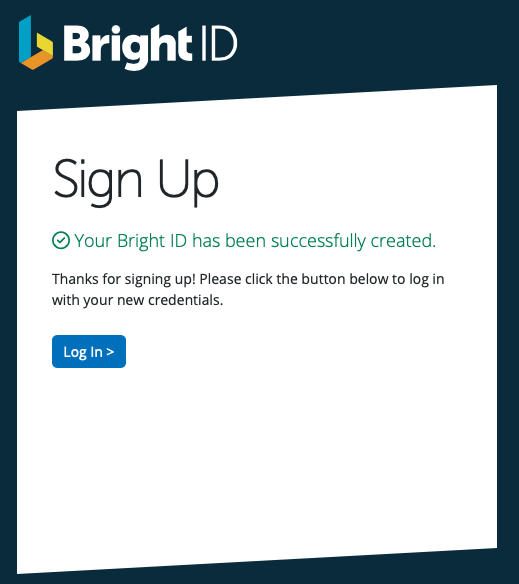
After entering in the 6 digit code and clicking ‘Next’, you will see confirmation that your Bright ID is successfully set up and you are now ready to login.
-
-
To login to your Employee Self Service Portal here, please enter your email address and password.
Comments
0 comments
Article is closed for comments.