
Every time your company file is opened and the Payroll utility accessed, employees will be listed in a 'summary view'.
This summary view provides an overview of pay information entered in the pay period selected for all the employees on that pay frequency. It is most commonly used as a final check of pay information entered before a pay period is finalised.
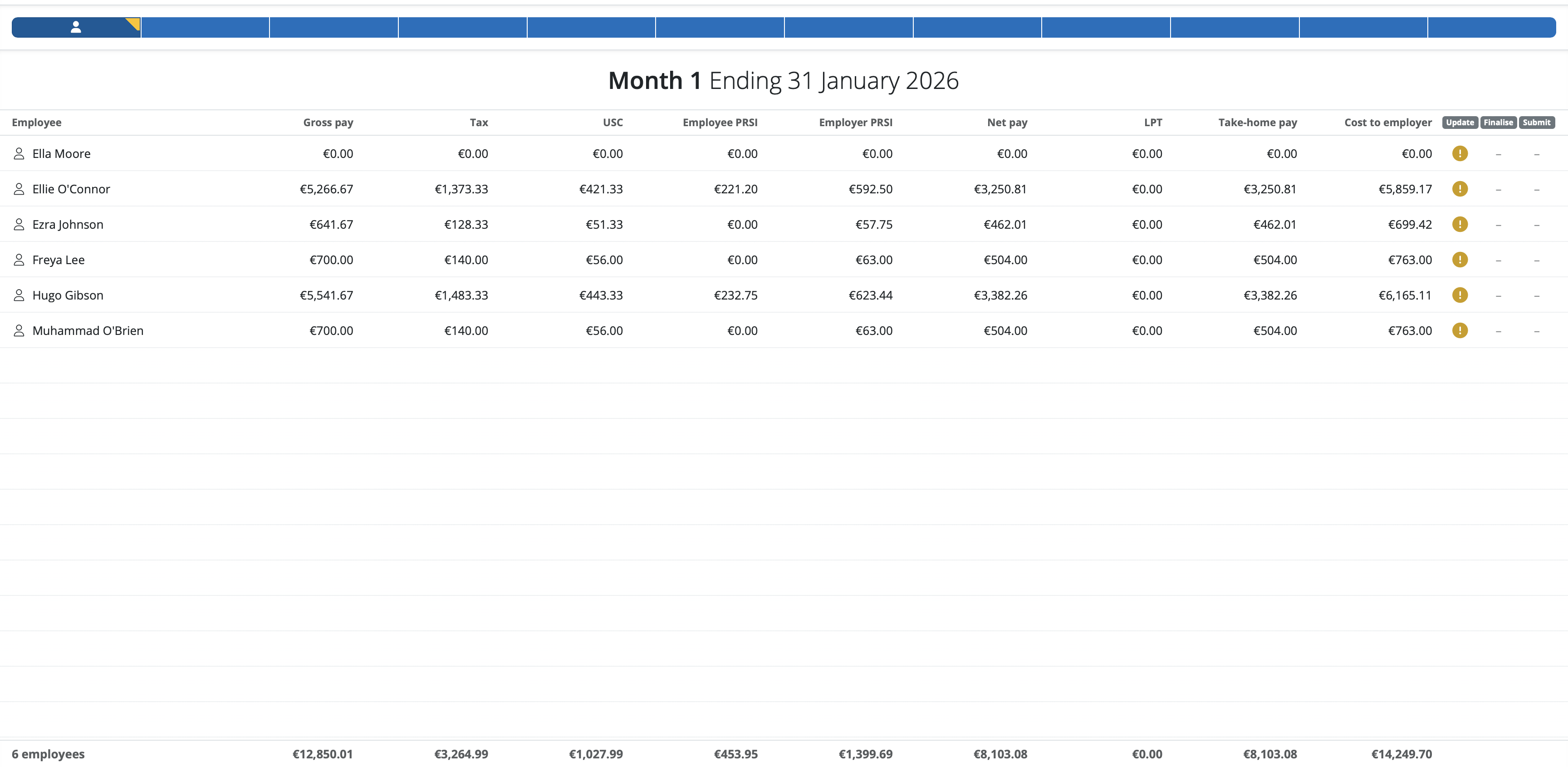
- BrightPay applies a default selection of columns, which the user can subsequently customise to suit their own requirements e.g. to show columns for number of hours worked, pension contributions, previous pay period amounts, etc.
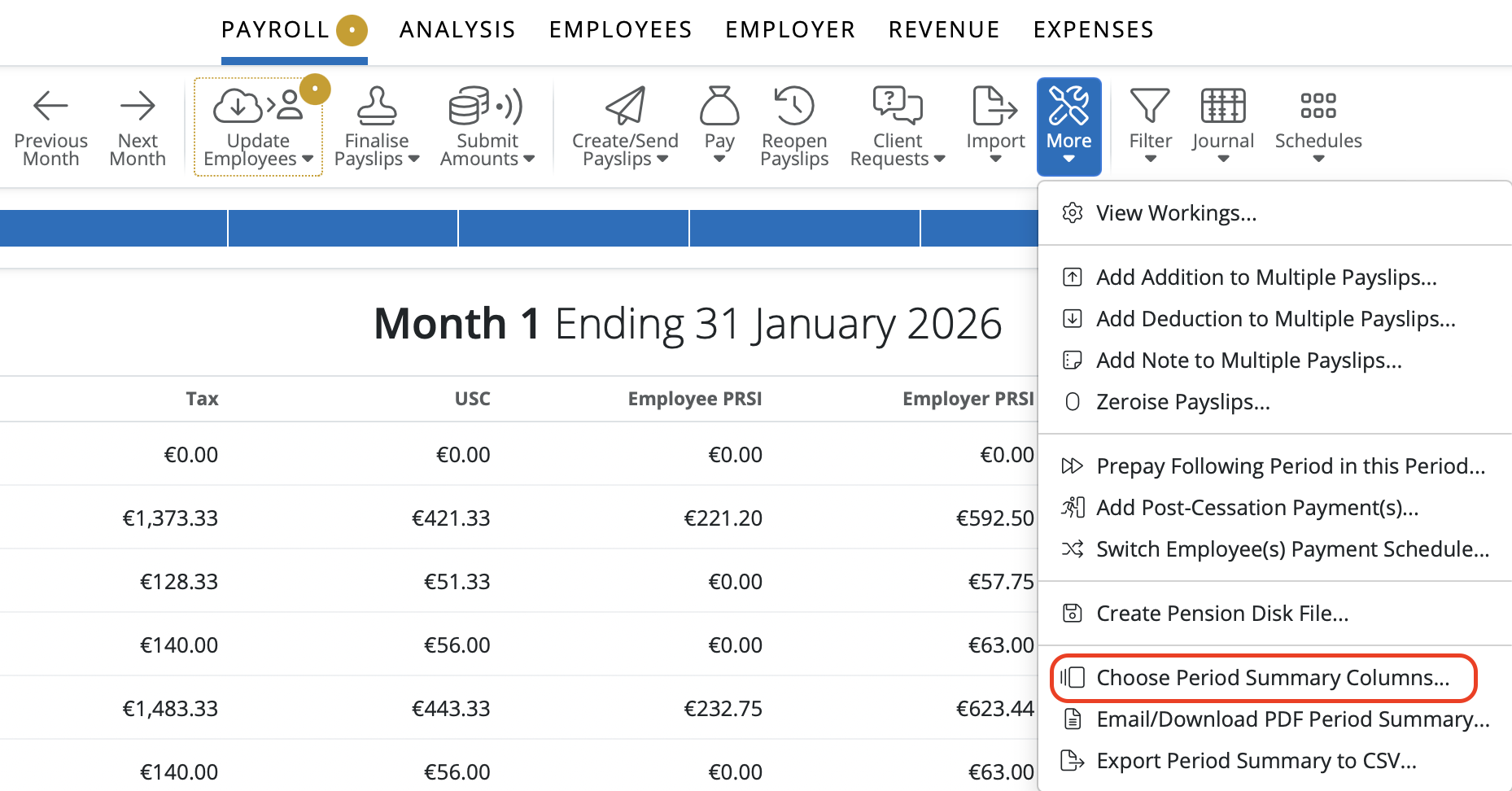
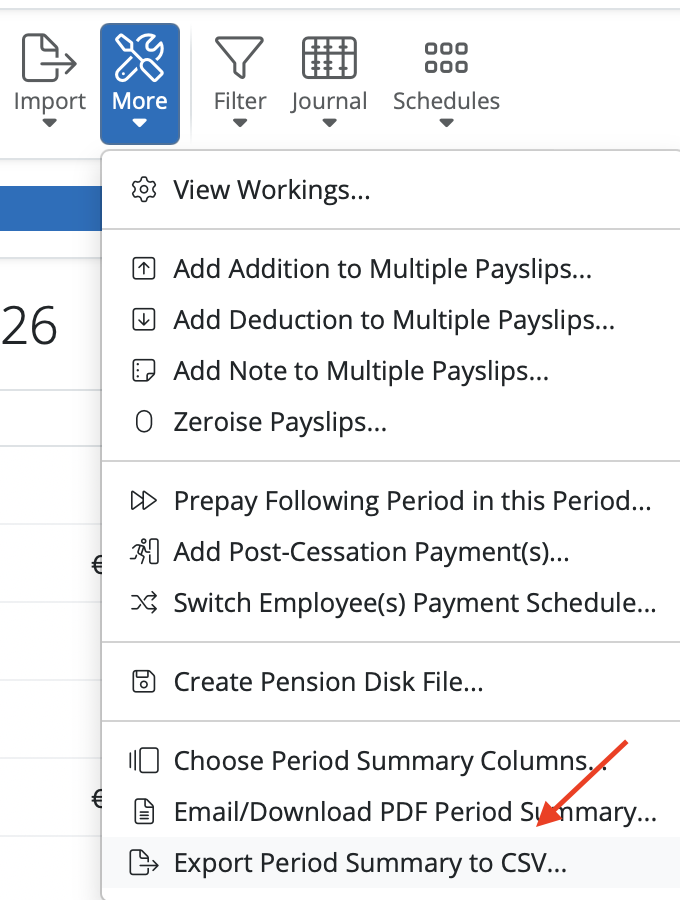
a) To choose which columns to display, simply click 'More' on the menu bar, followed by 'Choose Summary Columns...':
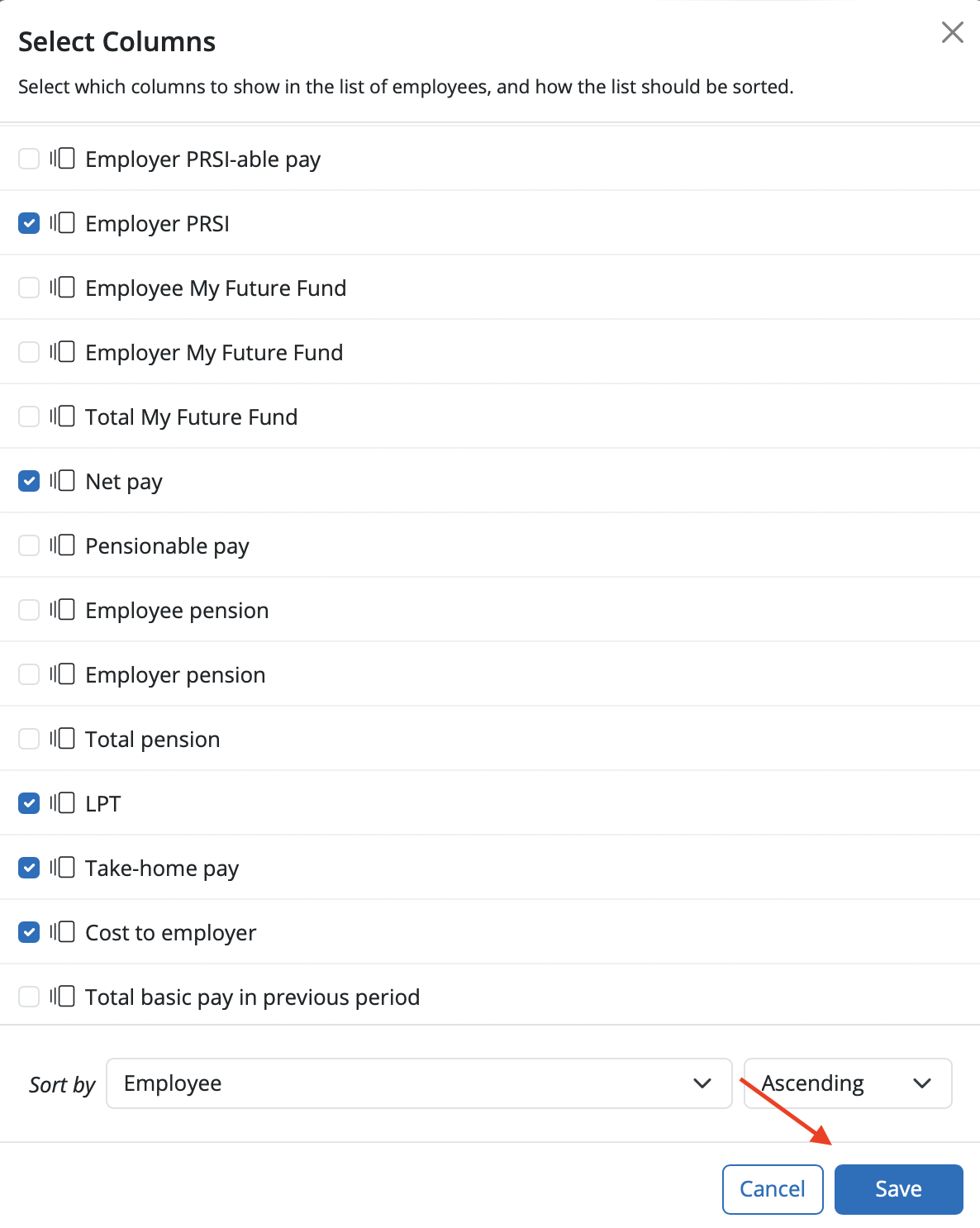
b) select the columns you wish to display and click 'Save':
c) The summary view will now reflect your chosen criteria
- To print or email the period summary at any time, click 'More > Email/Download PDF Summary':
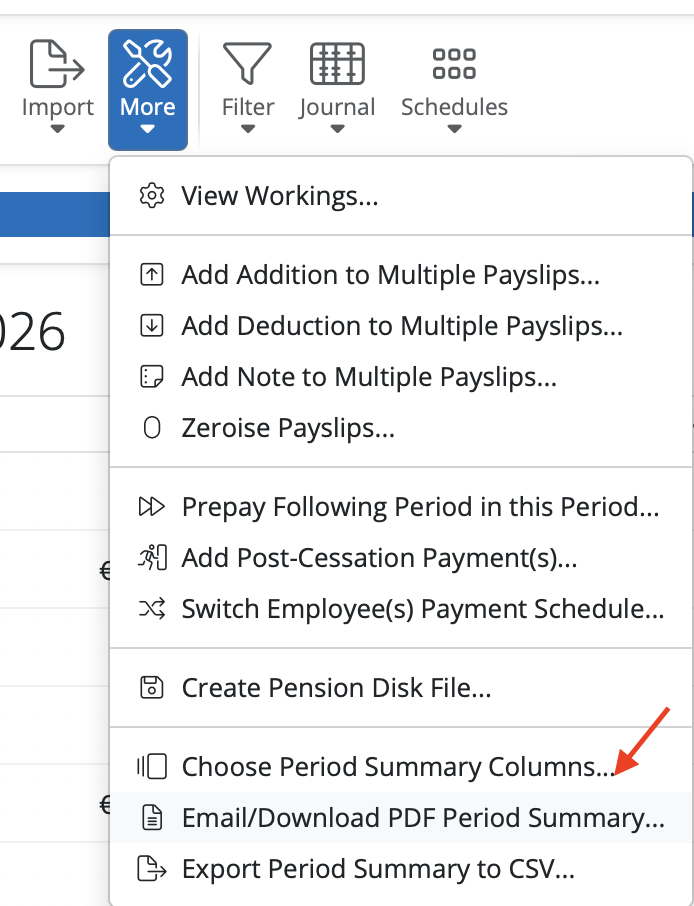
- To export the period summary at any time, click 'More > Export Summary to CSV':
It is not possible to change the width of the column display on the period summary page, these are preset within the software.
Note: The up or down arrow display to show an increase or decrease of amounts since the last period, is not available on Cloud.
Comments
0 comments
Article is closed for comments.