
An employer-wide calendar is available in the Employer utility within BrightPay, which amalgamates all employee events along with other key payroll dates into a single view.
The default view is the Planner view where users can view all employees on leave in a four week period. Other views are available such as weekly, monthly and yearly under the 'Week', 'Month' and 'Year' tabs. Users can switch between views as required.
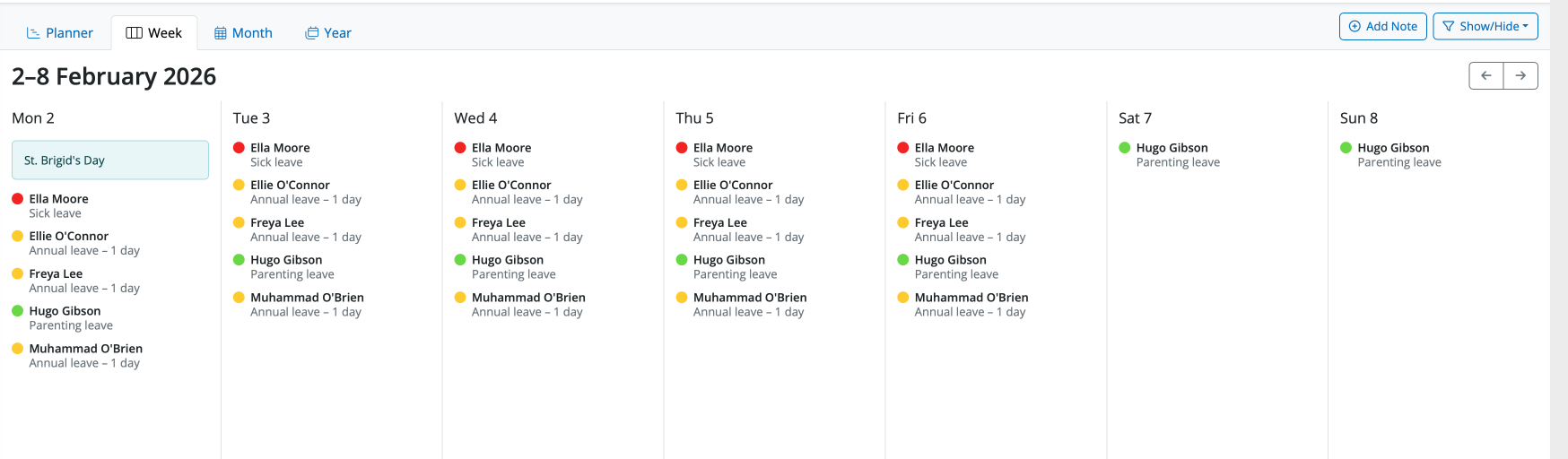
Weekly View
A summary will show on each date of notes, events and employees' leave details.
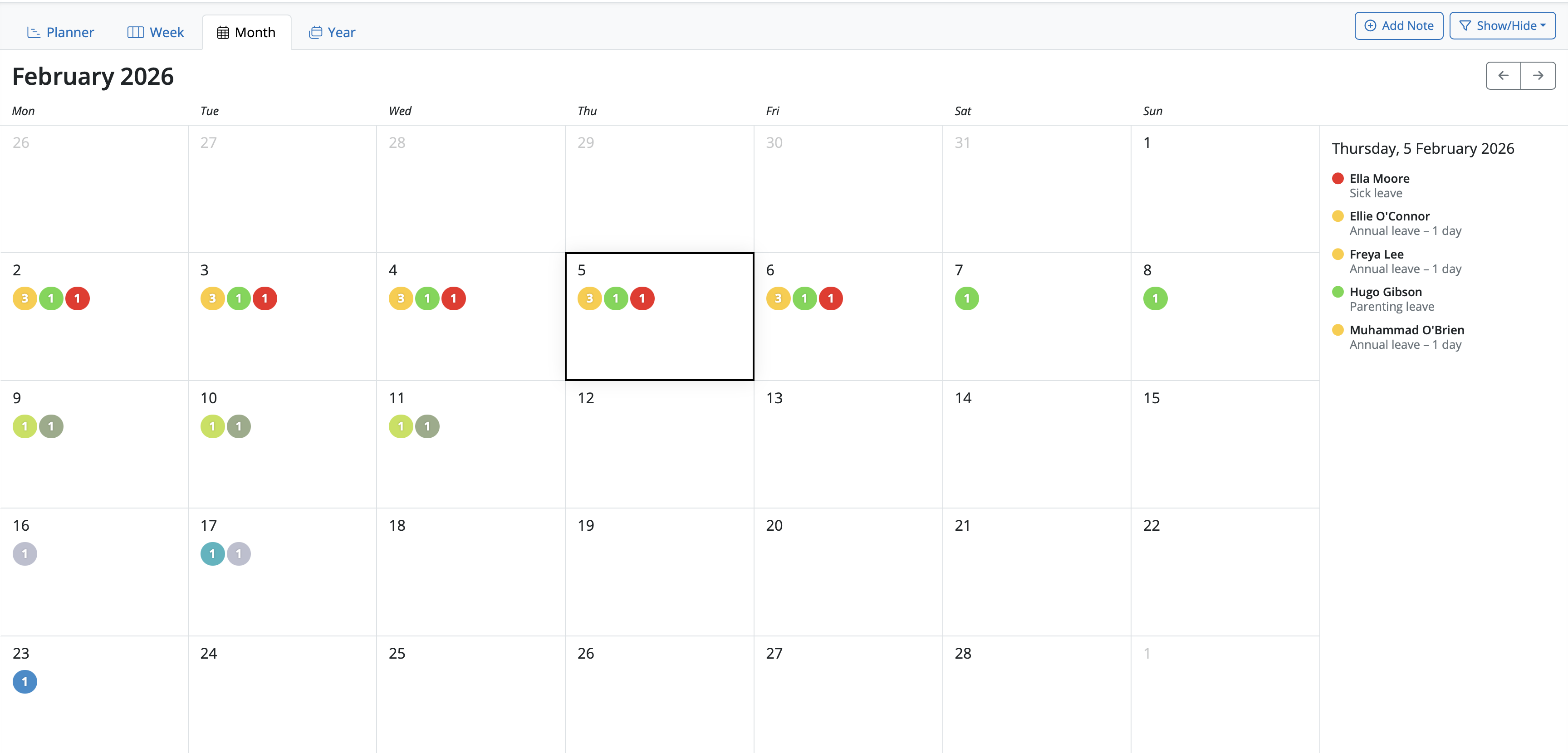
Monthly View
Select a date on the monthly view calendar and the list of notes, events and employees' leave details will show on the summary on the right hand of the screen.
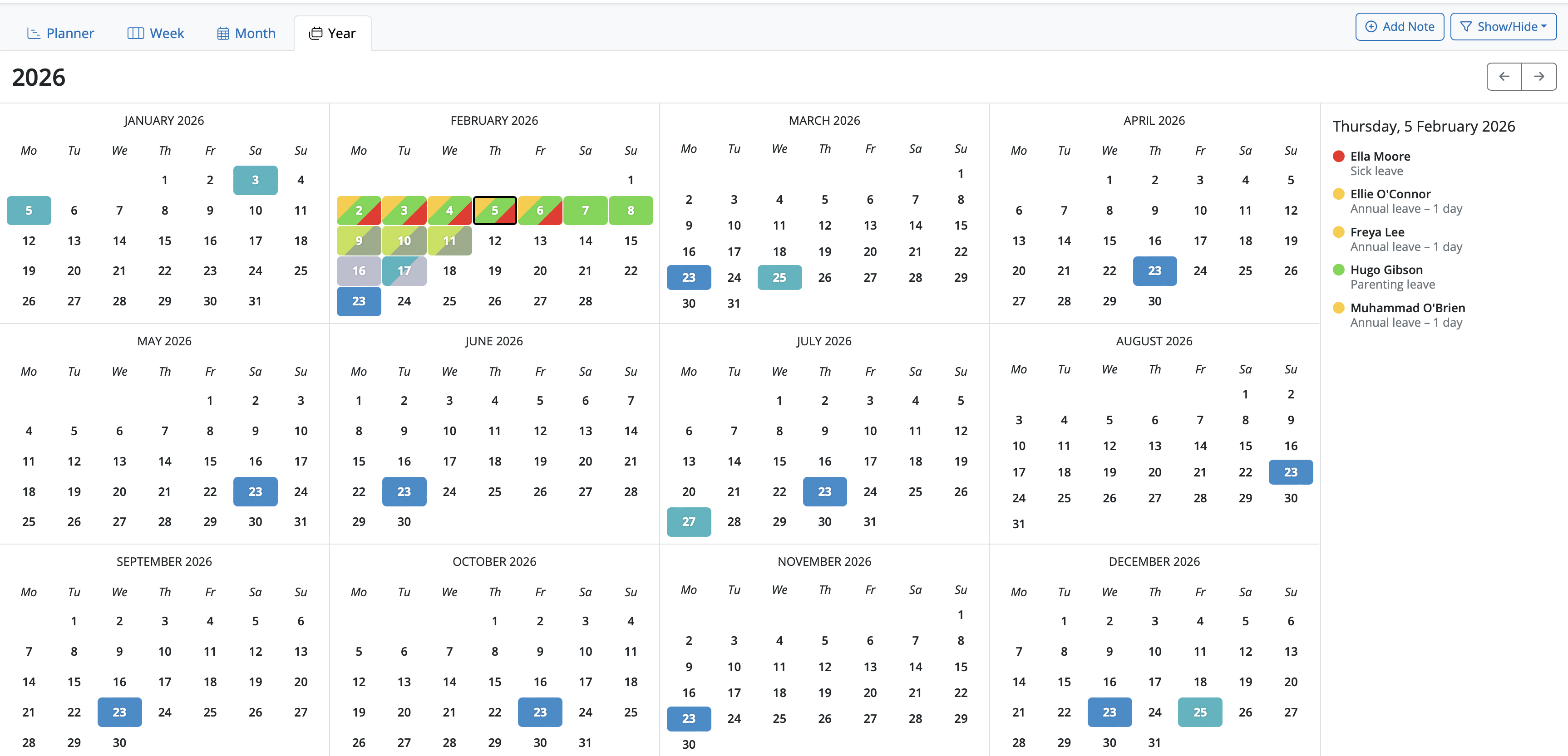
Yearly View
Select a date on the monthly view calendar and the list of notes, events and employees' leave details will show on the summary on the right hand of the screen.
Key features:
- shows combined events for all employees (i.e. those entered on the employee calendar, as well as birthdays)
- includes general tax year events and deadlines.
- ability to filter which kinds of events are displayed on calendar and in the day event list.
- ability to add/edit/delete your own notes.
Comments
0 comments
Article is closed for comments.